Coding LinkedIn Carousels

Coding LinkedIn carousels… yes, not using design tools but using developer tools! It’s now possible!
A few days ago, we shared a new article on LinkedIn and tried to make it more engaging by using a carousel. Creating a carousel on LinkedIn takes time, especially if you’re not familiar with design tools such as Canva, Figma, or even Penpot, our open-source design tool friend. Even with the tons of templates available out there, customizing them is a lot of work.
In the open-source world, we’re mostly developers. So we thought: “Why not code the LinkedIn carousel?” And that’s what we did!
How LinkedIn carousels work#
A LinkedIn carousel is a series of images or slides that you swipe through. It’s a great way to share information in a visually appealing format. You can use one to present your open-source project, share tips, or even tell a story.
There’s no real creator tool for LinkedIn carousels, so you have to create them yourself.
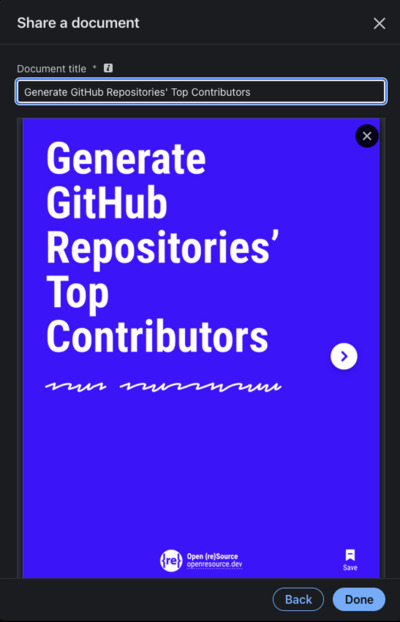
A LinkedIn carousel is a PDF file. Create a PDF with multiple pages, and each page becomes a slide. Upload the PDF to LinkedIn, and it converts it into a carousel.
- On LinkedIn, click on the “+ Create” button.
- Select “Start a post”.
- Click on the “+” icon, and “Add a document”.
- Select your PDF file, choose a document title, and LinkedIn will convert it into a carousel.

The Idea#
If it’s just a PDF file, why not code it? We can create a simple HTML file with multiple slides, then convert it into a PDF file. And that’s what we did!
We already use a great tool for presentations: Slidev.
Slidev is a presentation tool based on Vue.js. It lets you create beautiful slides with Markdown and code, and it can export them as a PDF file. It’s an open-source project under the MIT license.
 slidevjs/
slidevPresentation Slides for Developers
How to Code LinkedIn Carousels#
It’s simple. First, create a new Slidev project with this command:
npm init slidev@latestThis creates a new Slidev project in the current directory. Then open the project in your code editor and start customizing the slides.
You’ll notice that the default Slidev theme doesn’t suit LinkedIn carousels, because its slides are wide, in a 16:9 ratio. You’ll need to customize the theme.
In the slides.md, add these properties to the frontmatter:
---
aspectRatio: "3/4"
canvasWidth: 800
Install playwright-chromium as a dev dependency, and export your slides as a PDF file:
npm install -D playwright-chromium
npm run export
And voilà, you get a nice slides-export.pdf that you can use as a LinkedIn carousel!
We Created a Theme for LinkedIn Carousels#
You’ll still have some design work to do to make your carousel more visually appealing.
So we created a theme for LinkedIn carousels called slidev-theme-linkedin-carousel, an open-source project under the MIT license.
 Open-reSource/
slidev-theme-linkedin-carouselSlidev theme to create LinkedIn carousels
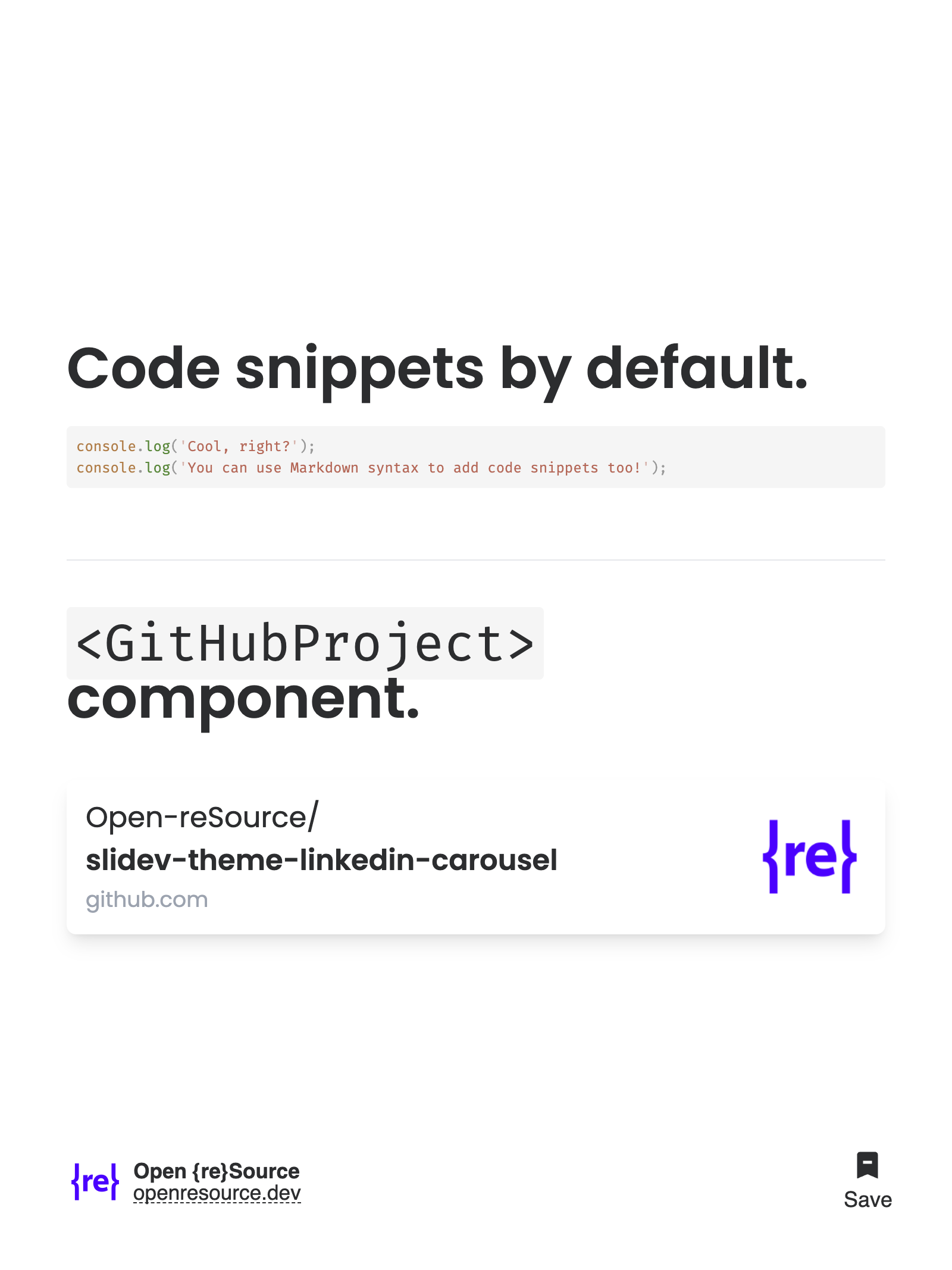
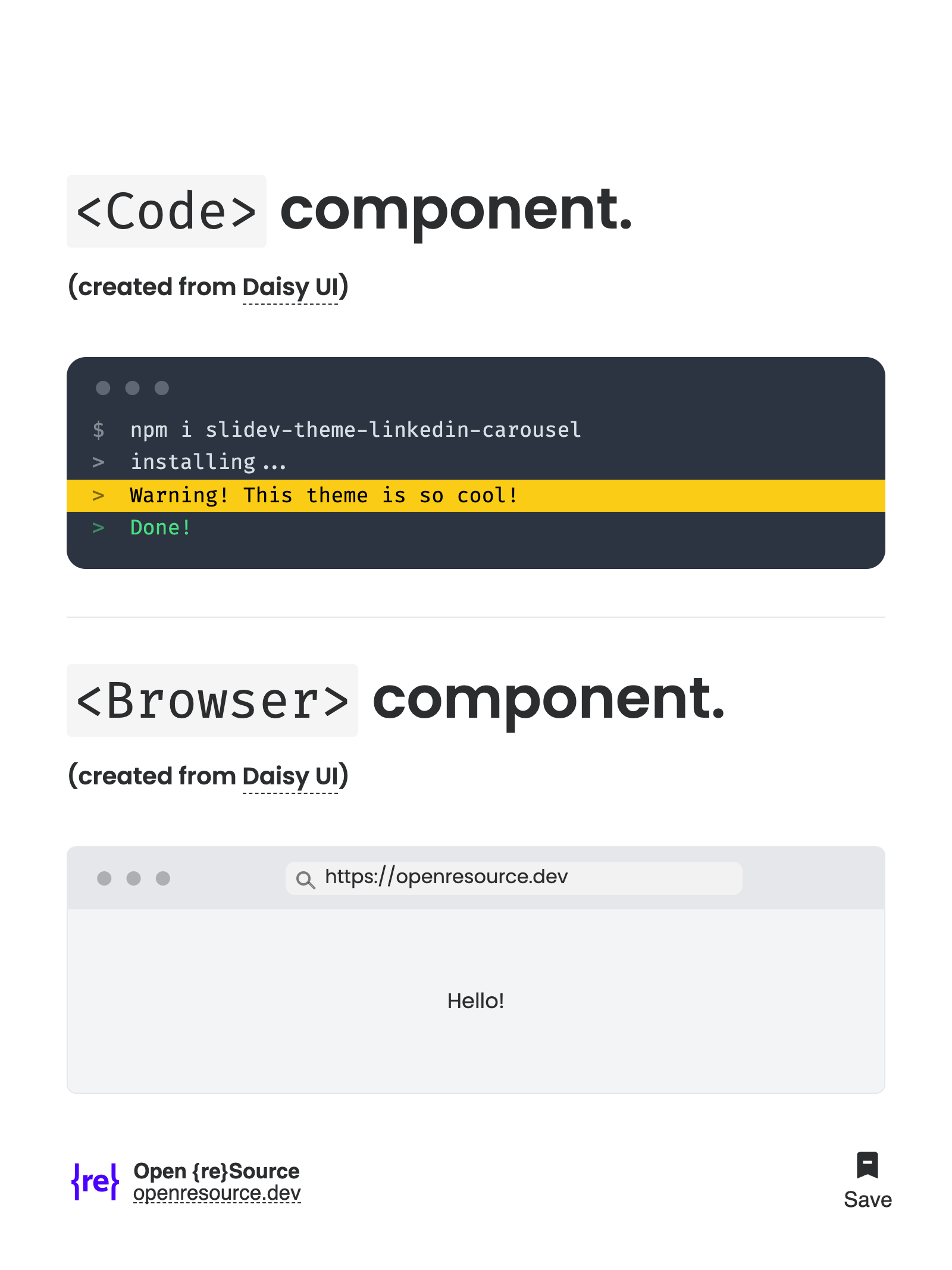
Here’s what it looks like: https://slidev-theme-lk-carousel.netlify.app.

How to Use the Theme#
To use the theme, install it as a dev dependency:
npm i -D slidev-theme-linkedin-carouselThen add this frontmatter to your slides:
---
theme: linkedin-carousel
---
For more information on how to use the theme, check out the README.
The example.md file in the repository is a good starting point for your own LinkedIn carousels. From there, customize the slides to your liking, and even use custom components to make them more impactful.
Share your LinkedIn carousels with us, we’d love to see them! See ya on LinkedIn!
If you like this theme, please consider giving it a star on GitHub, or even sponsoring us. It helps a lot!